Google Play
Closed beta testing
Share your Play opt-in link. Get a tester email list and see what ran on each device.
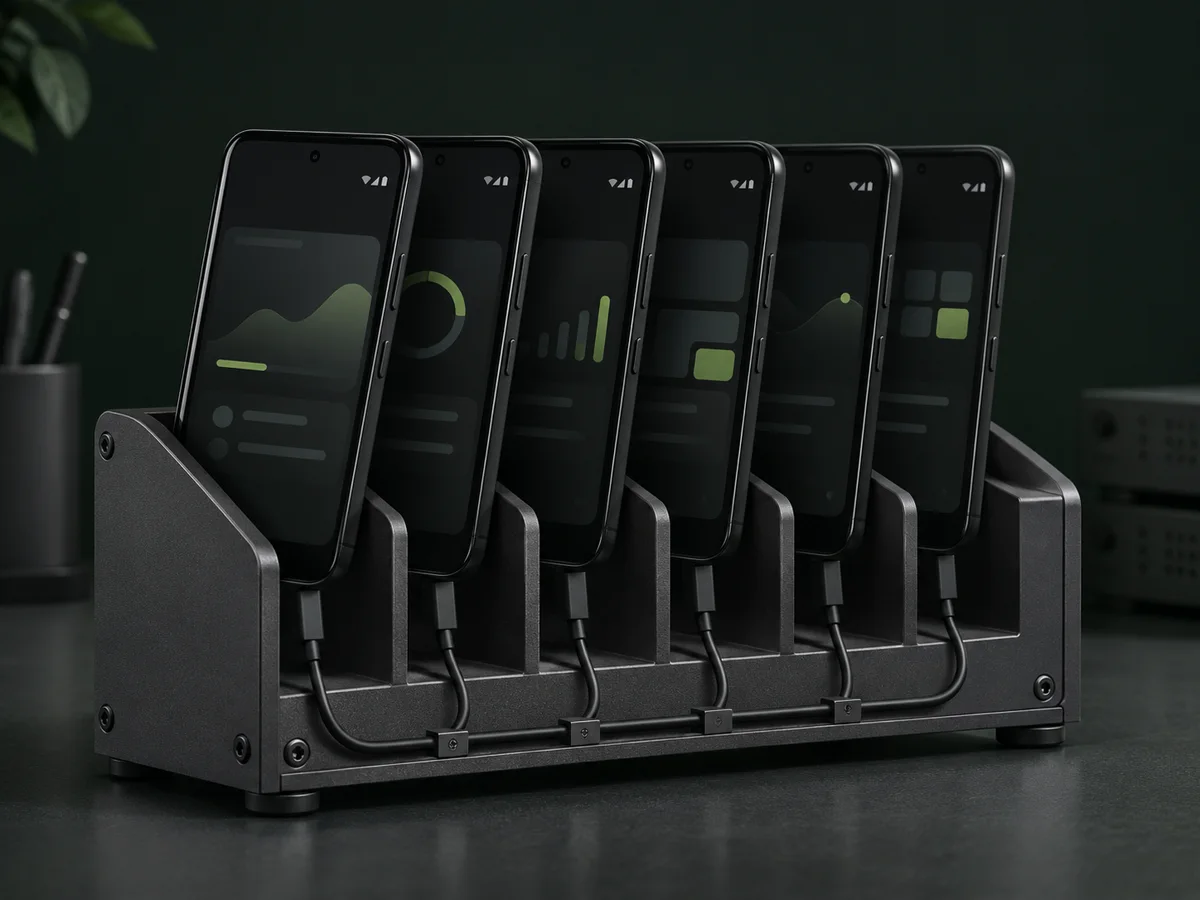
From setup to results
-
Submit your link
Paste the opt-in link from Play Console.
See an example
play.google.com/apps/testing/com.example.app -
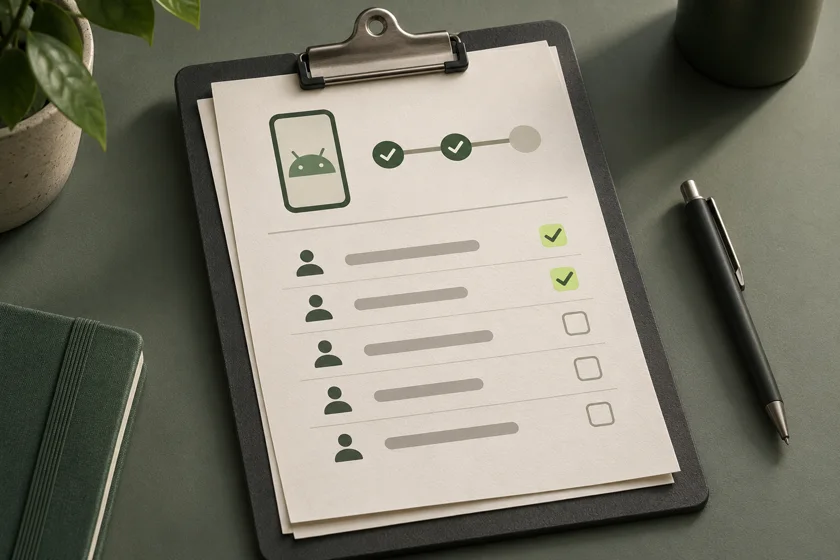
Add testers
Add the tester CSV from your order to Play Console.
See an example
Tester email addresses16 Google accounts -
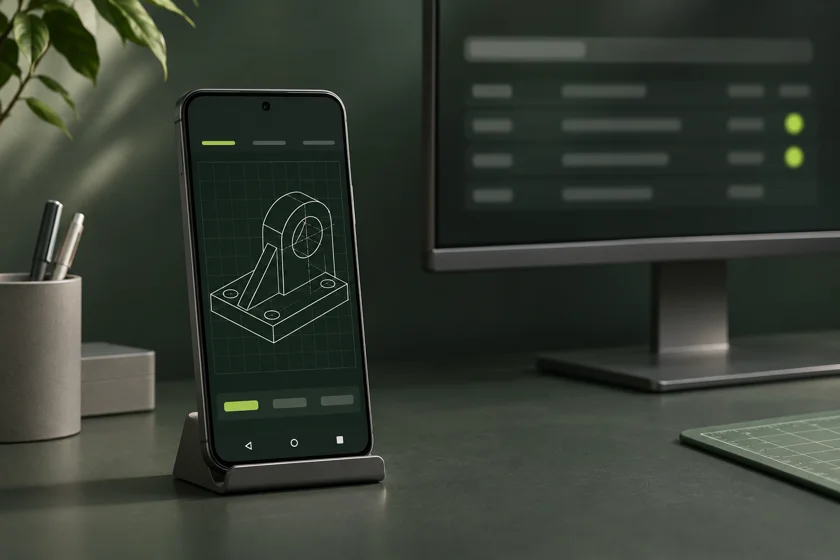
Review the results
See app versions and screenshots for each device.
See an example
Device 03Run confirmedApp version1.2.0Screenshot1 image
Real devices.
Recorded results.
See which app version ran on each device, with screenshots from the run.
Explore report demo Enlarge screenshot
- Device · Run
- Device 03 · Run 1
- App version
1.2.0- Run status
- Run confirmed
Prepare with AI
Gather your app name, package name, and opt-in link.
Copy this prompt into an AI assistant that can read your app project.
View prompt
Before you order
What do I need to order?
Have your app name, package name, and Google Play closed-test opt-in link ready. Publish the closed test in Play Console and make it available in South Korea so our devices can install it.
How do I add testers?
Download the tester email CSV from your order, add it to your closed test in Play Console, and share the opt-in link. Check tester participation and production access in Play Console.
What are Google Play's closed testing requirements?
Personal developer accounts created after November 13, 2023 need 12 or more testers to stay opted in for 14 consecutive days before the developer can apply for production access. Google Play's official requirements
What do you check on devices?
We record installs, repeated app launches, and screenshots. Feature checks require a test scenario.
What do the device results show?
Your order shows the app version, run status, and any captured screenshots for each device. Play Console separately reports tester opt-in status and Google's production access decision.
How do I pay?
One-time payment of US$3.99 before tax. Polar shows the final USD total at checkout.